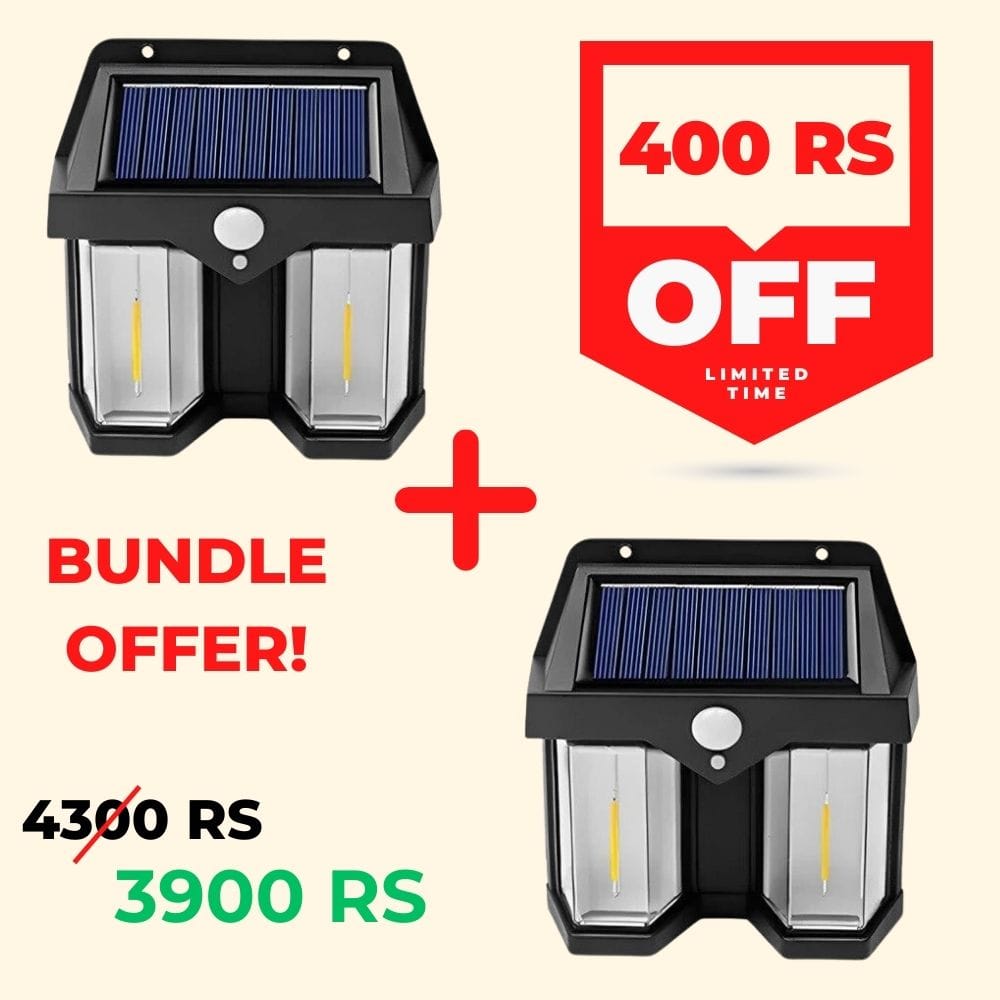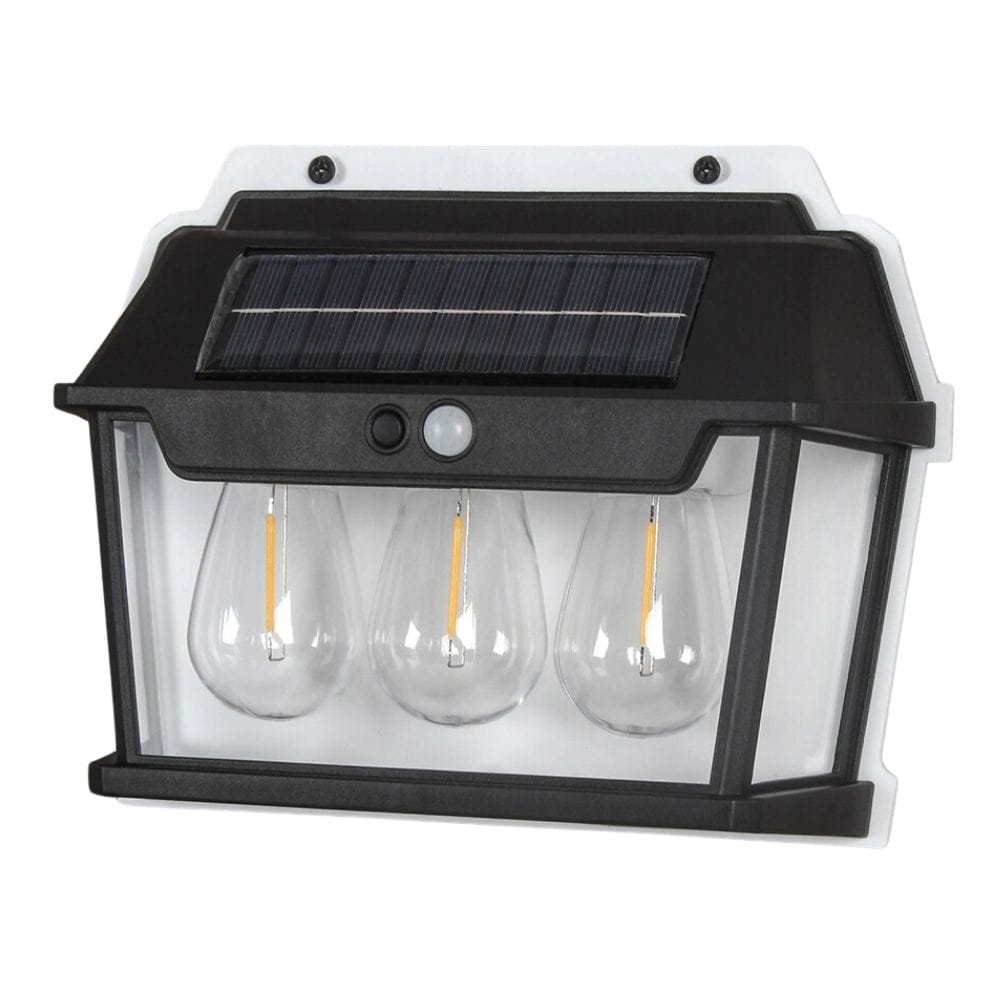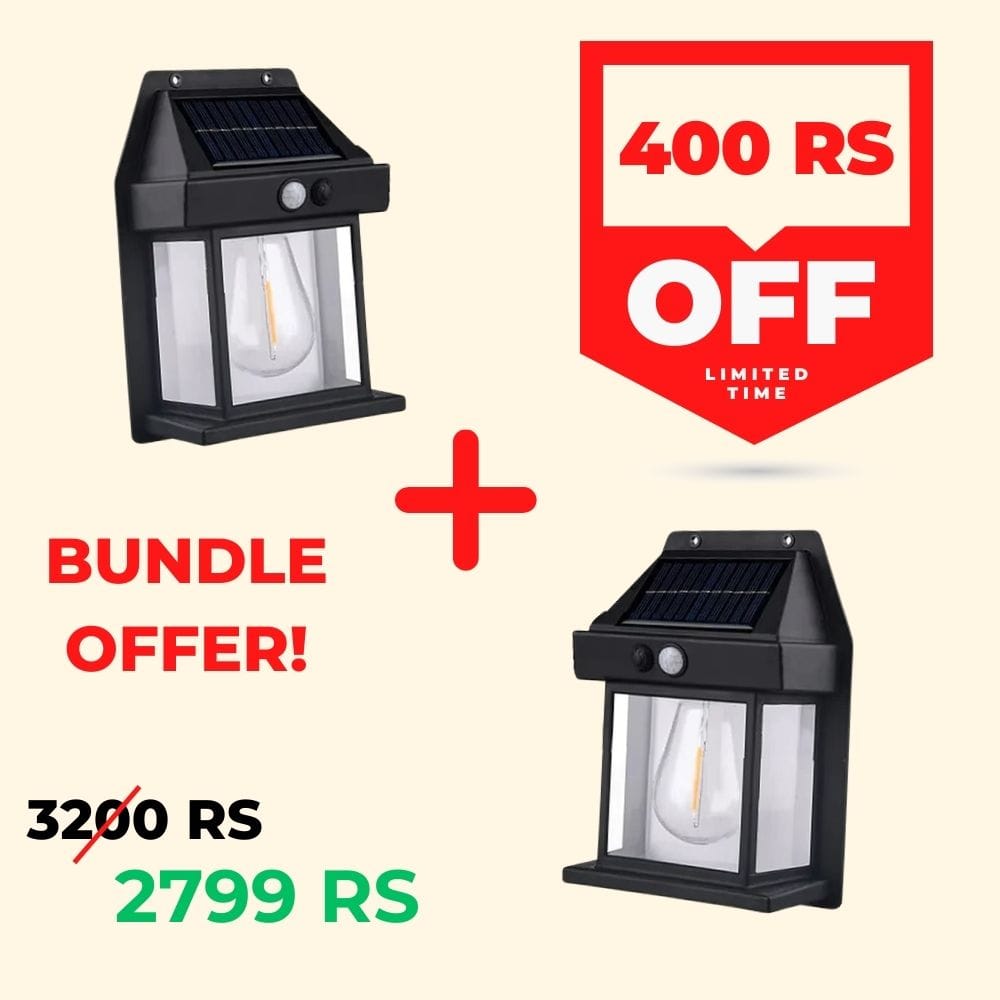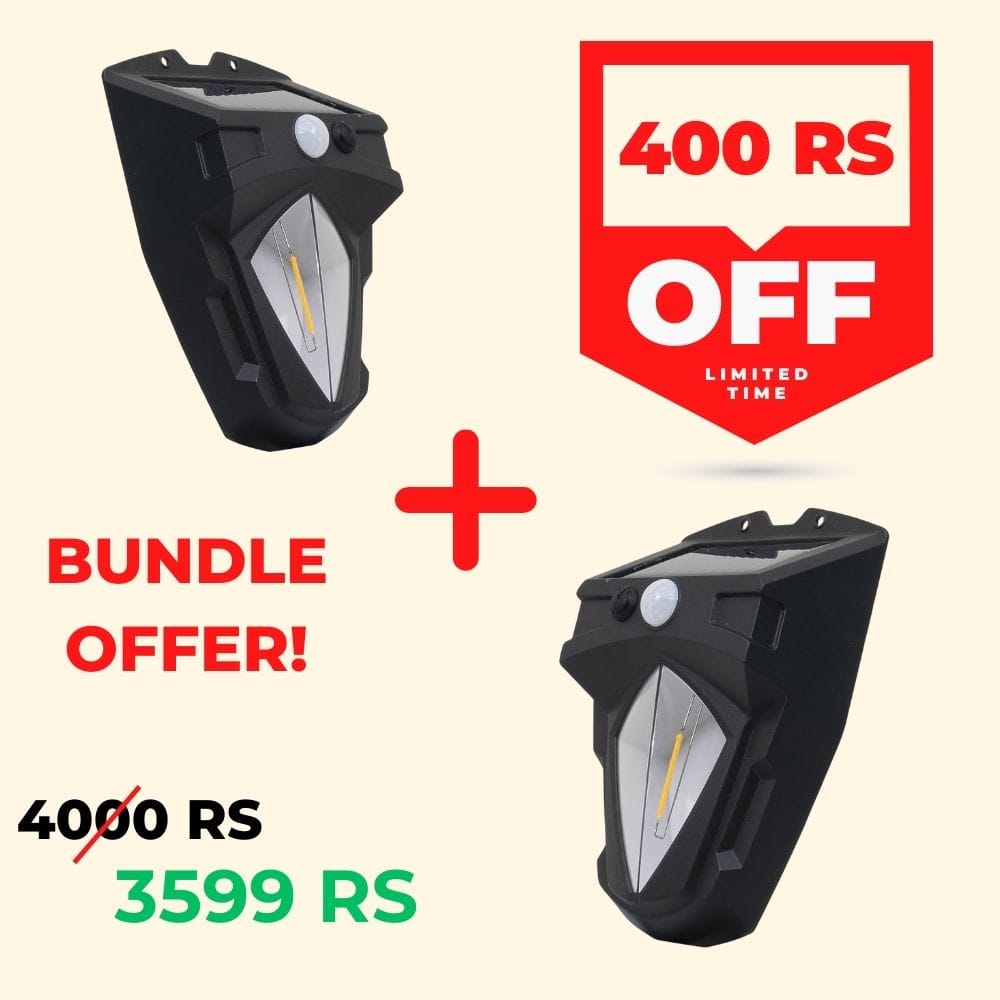
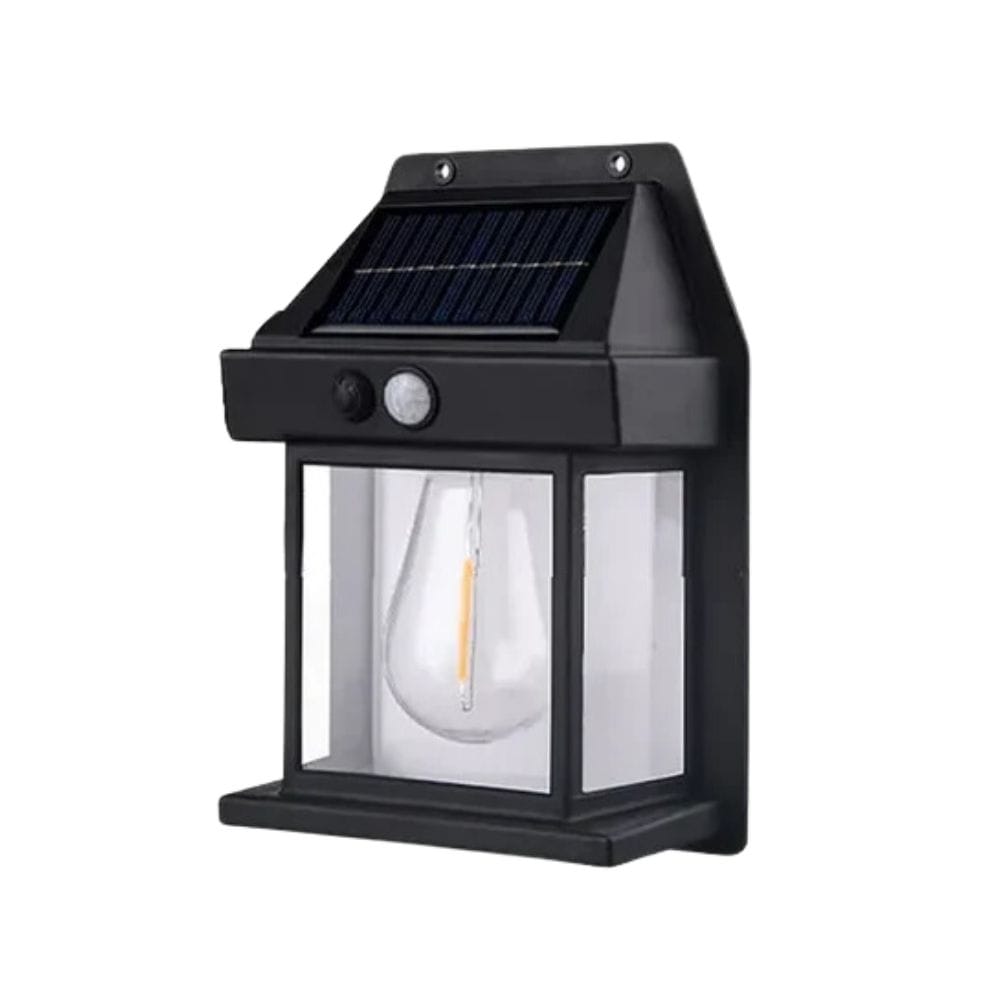

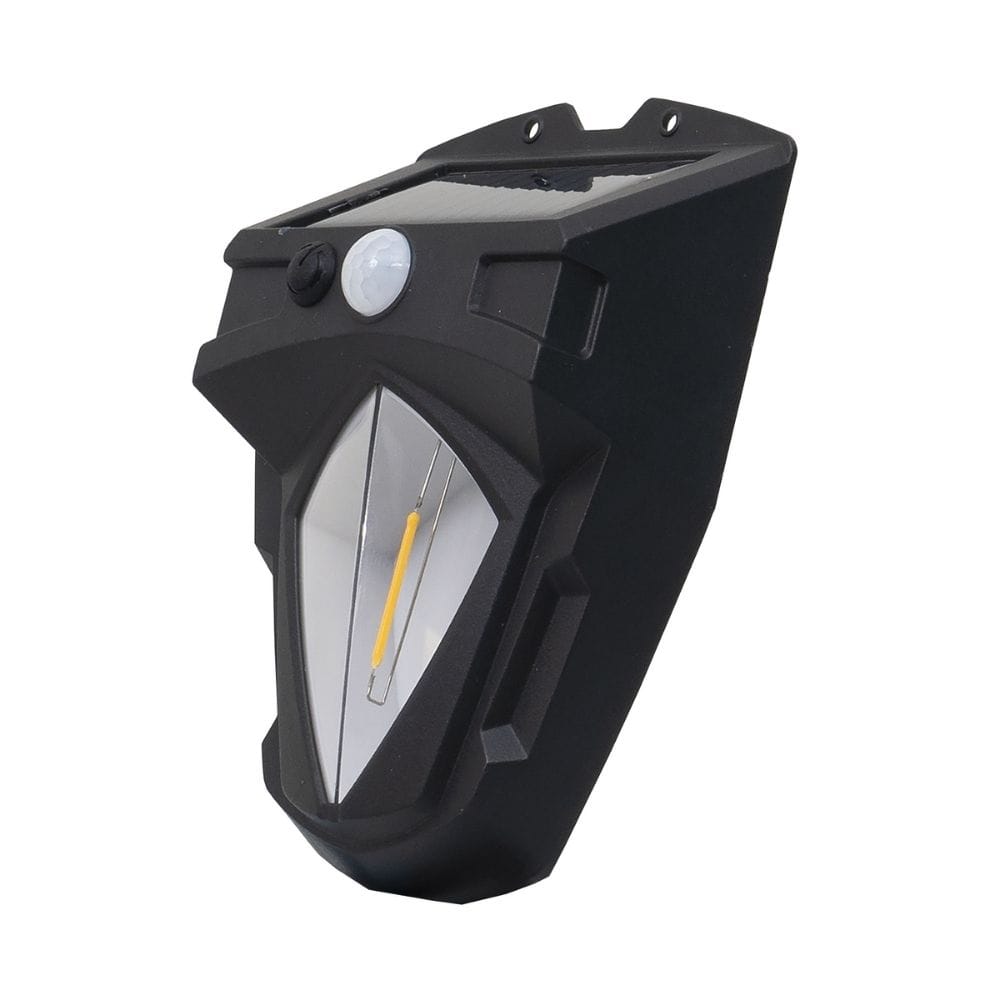
Package includes: 2 x SH-588 Wall Light 2 x installation accessories 2 x Instruction manual About this Item: Here are details about the Solar Sensor Light: 3 Modes Switching: Mode 1: Human body sensing. Mode 2: Human body sensing low light mode. Mode 3: Normally on mode, without human body sensing. Backup: After a full day of charging, it can last almost 7 to 8 hours from dusk to dawn. Solar Powered: The solar panels have an output of 5.5v, so they can easily power a 1W bulb with 600LM brightness. Waterproof: Made of waterproof material, perfect for outdoors. Detection: Its induction distance is 5 to 8 meters, so it can easily detect human body movement within the range. Automatic: The lamp charges in sunlight and automatically turns on at night. Widely used: It is ideal for corridors, entrances, driveways, yards, cafes, balconies, gardens, backyards, patios, and other outdoor decorations. How to Install This Solar Light? Installing this solar sensor light is a straightforward process. Here are the steps you can follow: Choose the Location: Select a spot that receives direct sunlight for most of the day. This ensures the solar panel can charge efficiently. Turn On the Lamp: Make sure to turn it on before installation. To check if it will suit the location. Mark the Mounting Spot: Hold the lamp against the wall where you want to install it, and mark the spots for the screws. Drill Holes: Use a drill to make holes at the marked spots. Insert Anchors: Anchors are provided with the solar lamp and inserted into the drilled holes. This helps secure the screws. Attach the Lamp: Align the lamp with the drilled holes and use screws to fix it in place. Test the Lamp: Once installed, check if the lamp is working properly. It may take a day to charge fully. Note: Please fully charge the lamp at least a day before using it to ensure a better battery lifetime. If the solar panel is exposed to sunlight or other light, the indicator light will not be ON even if the ON/OFF switch is turned on. For specifications, please click on the “Additional Information” tab above.